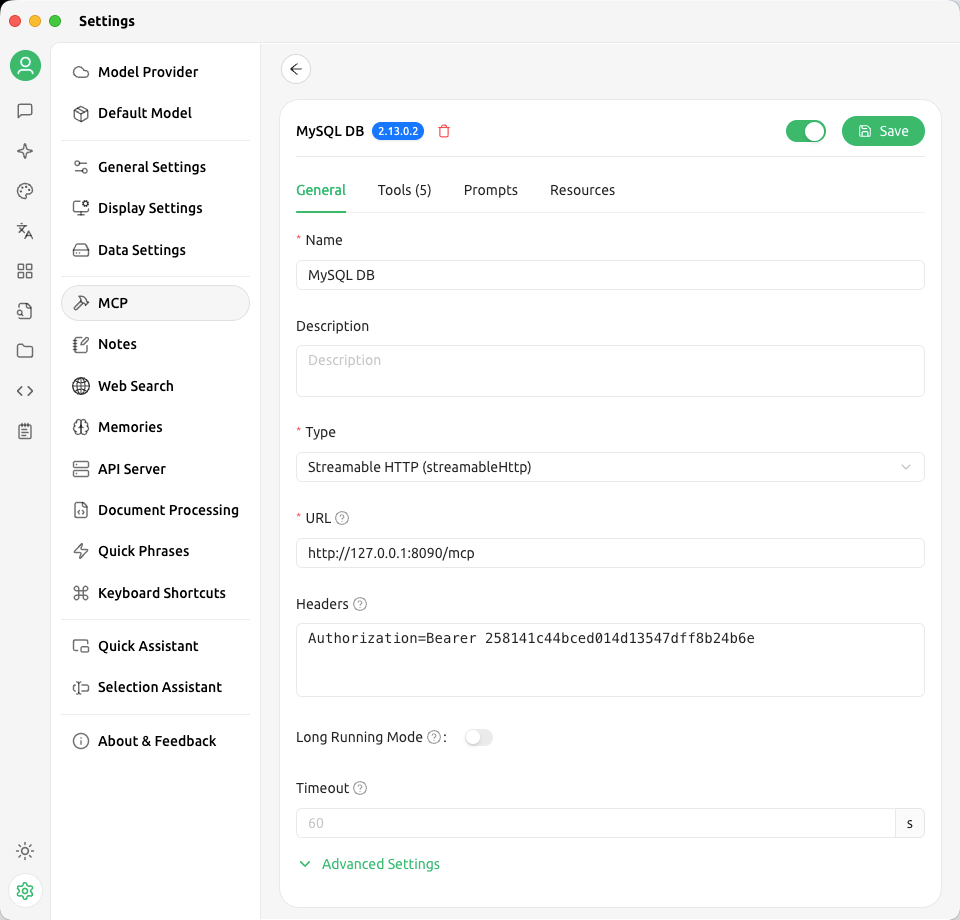
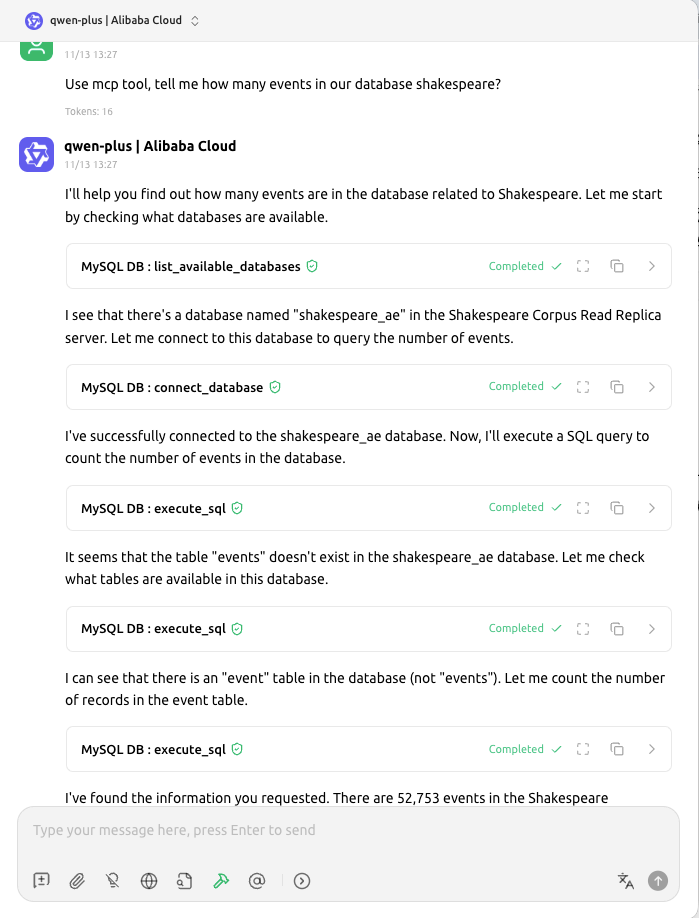
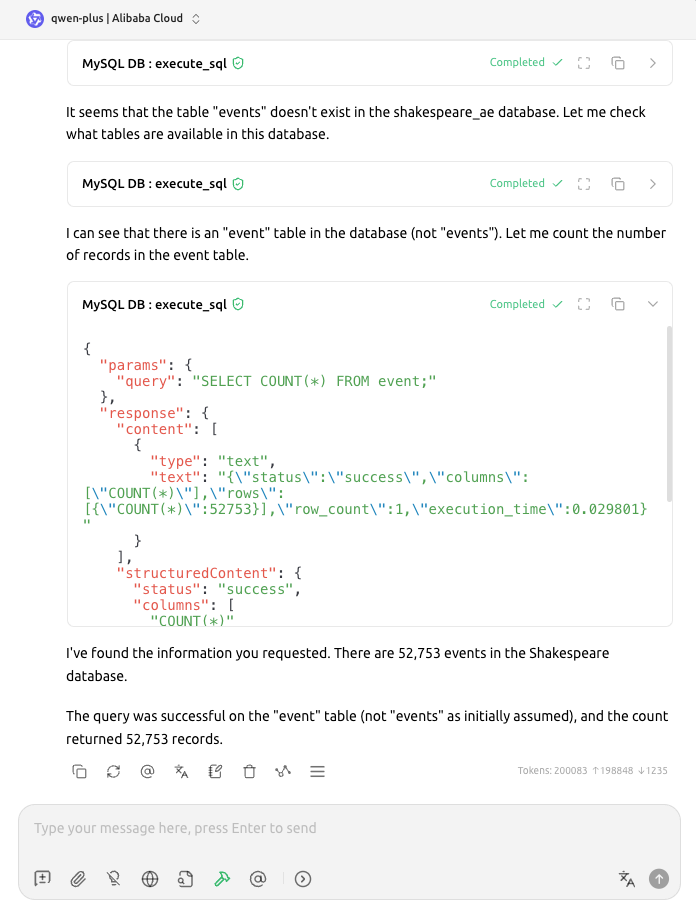
核心特性 · Key Features
- 🎯 FastMCP HTTP 服务:默认 0.0.0.0:8090,兼容 SSE/streamable-http
- 🔐 Bearer Token 多用户认证,可在 config/servers.json 或 .env 中集中管理
- 🛡️ READ_ONLY 防护,自动阻断危险写操作并记录审计日志
- 📜 `logs/sql_audit.log` 捕获 session、数据库、耗时、Token 前缀
- 🧪 提供 `test_client.py` 与 `start.sh`,一键启动/调试
- 🎯 FastMCP HTTP transport (0.0.0.0:8090) compatible with streamable HTTP & SSE
- 🔐 Multi-tenant bearer authentication via config JSON or .env
- 🛡️ READ_ONLY enforcement blocking write verbs while logging attempts
- 📜 Unified SQL audit log capturing session IDs, DB names, latency, token prefix
- 🧪 Includes CLI test client & `start.sh` for instant local running
快速上手 · Quick Start
# 安装依赖 / Install dependencies
pip install -r requirements.txt

# 启动服务(默认 0.0.0.0:8090)/ Start server
./start.sh

# 运行测试客户端 / Run test client
python test_client.py --url http://127.0.0.1:8090/mcp \
  --token <your-token>
配置文件示例请查看 config/servers.example.json,其中顶层 auth.tokens 可填写多个 Bearer Token;Also refer to the same file for English comments.
UI 预览 · UI Preview